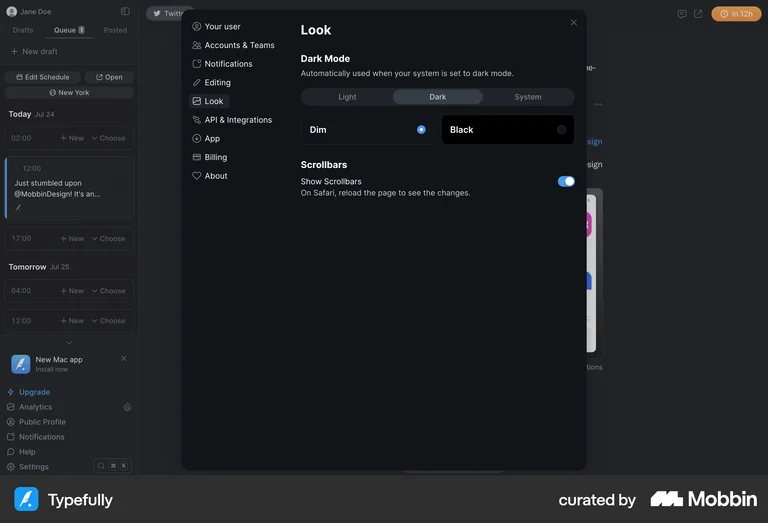
Dark Mode
Dark Mode is a user interface (UI) design option that uses dark background colors with light text and elements, reducing screen brightness and creating a visually less intense experience. It’s popular in apps and websites as an alternative to the traditional light mode. Dark mode reduces eye strain, especially in low-light environments, and may conserve battery life on OLED screens. Designers must ensure that contrast levels and readability are optimized for accessibility.
Dark mode has gone from a nice-to-have to an expected feature — users who prefer it will notice its absence and consider it a signal that your product isn't fully polished. Beyond aesthetics, dark mode reduces eye strain for users who work in low-light environments for long periods, which describes most of your power users. Implementing it well requires more than inverting colors — you need to rethink shadows, contrast, and image handling.
Typefully's Look settings offer a clear three-way toggle (Light / Dark / System) alongside a live preview of the interface — letting users choose their preferred mode with full visual context.