Snackbar
A Snackbar is a small, non-intrusive notification that appears at the bottom of the screen, typically used for brief messages, confirmations, or alerts. Unlike modal dialogs, Snackbar messages don't block the user's flow and automatically disappear after a short time. They are ideal for providing user feedback without interrupting their task.
Snackbars occupy the sweet spot between no feedback (leaving users uncertain) and a disruptive modal (interrupting their flow). They're the right pattern for low-stakes confirmations ('Saved', 'Copied to clipboard', 'Message sent') where users need acknowledgment but not attention. The mistake is using them for errors or important messages, where their auto-dismissal behavior means users may miss critical information. Reserve snackbars for success states; use persistent inline messages for errors.
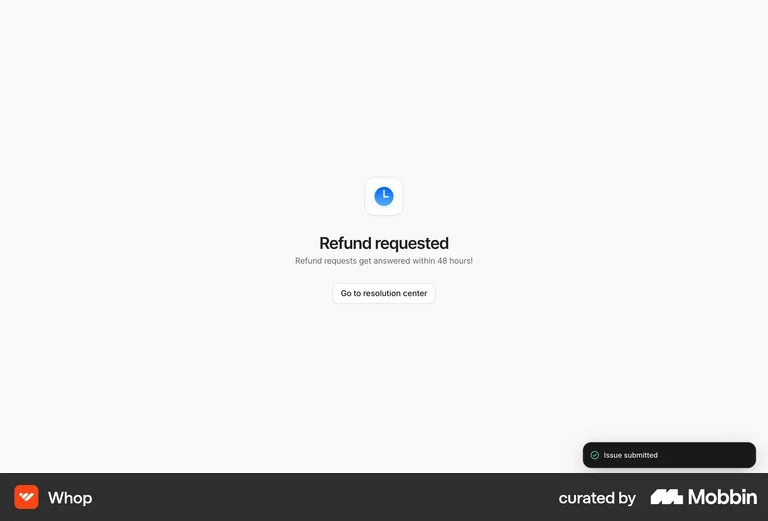
Whop's 'Issue submitted' snackbar appears at the bottom-right with a green checkmark — a brief, non-blocking confirmation that the action succeeded without pulling the user away from what they were doing.