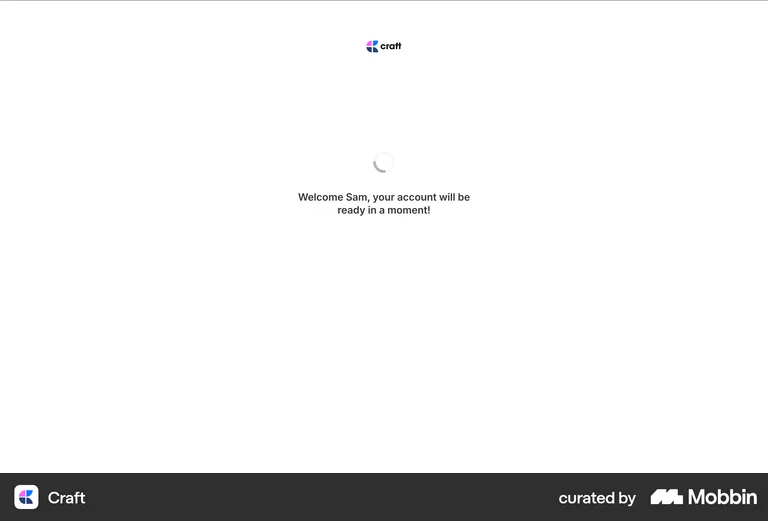
Loading State
Loading State refers to the visual feedback displayed while content or data is being loaded or processed in a digital product. Common examples include spinning icons, progress bars, or skeleton screens. Loading states are crucial for managing user expectations and preventing frustration by informing users that the system is actively working and their request is being processed.
Loading states are what separate products that feel fast from products that feel broken — even when the underlying load time is identical. A spinner or skeleton screen tells users 'something is happening, stay with me,' while a blank screen looks like a crash. For data-heavy SaaS products where some operations necessarily take seconds, a well-designed loading state is the difference between users waiting patiently and users refreshing the page and creating duplicate actions.
Craft's loading screen shows a spinner with the message 'Welcome Sam, your account will be ready in a moment!' — replacing a generic spinner with a personalised message that sets expectations and maintains trust.