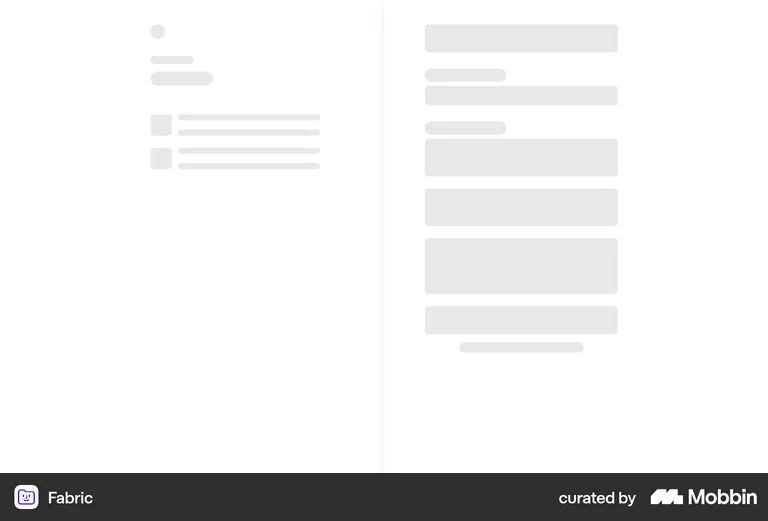
Skeleton Screen
Skeleton Screens are a visual placeholder for content during loading, often consisting of gray or blurred shapes that represent the structure of the final content. They provide users with an indication of the layout, reducing perceived wait time and improving user experience. Skeleton screens create a sense of progress, preventing users from feeling like the system is stuck or unresponsive.
Skeleton screens reduce perceived load time by giving users something to look at that implies structure and progress — which is psychologically faster than a spinner that implies waiting. They also prevent the jarring content 'pop-in' that happens when a loading spinner is replaced by a full layout, which can cause disorientation and accidental clicks. For data-heavy SaaS dashboards that load asynchronously, skeleton screens are a significant perceived performance improvement at low engineering cost.
Fabric's skeleton screen mirrors the exact structure of its two-column layout — left sidebar with text lines, right column with stacked content blocks — so users can orient to the layout before any real data appears.