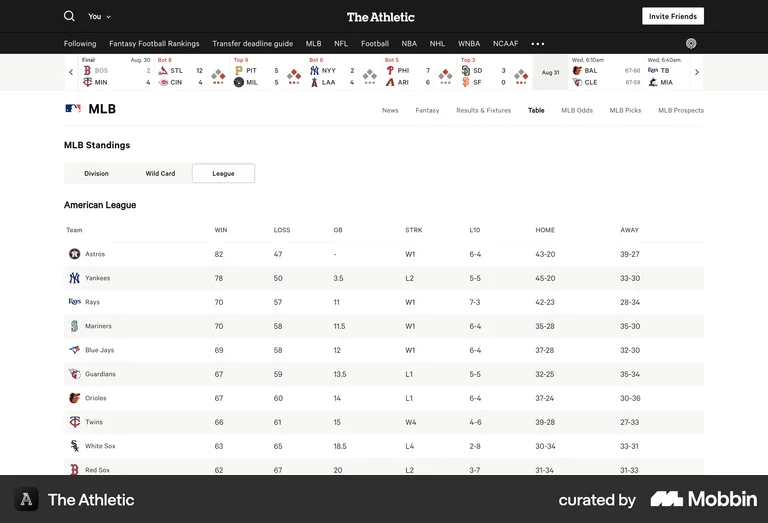
Sticky Navigation
Sticky Navigation refers to a navigation bar or menu that remains fixed at the top or side of the screen as users scroll through content. This ensures that the navigation options are always accessible, improving usability and allowing users to easily move between sections without needing to scroll back to the top. Sticky navigation enhances the user experience, especially on content-heavy pages.
Sticky navigation significantly reduces the interaction cost of navigating long pages — users don't need to scroll back to the top to access the main menu or take a primary action. For SaaS landing pages with long-form content, a sticky CTA bar can meaningfully increase conversion by ensuring the signup button is always visible as users read. The cost is screen real estate, which is why sticky nav typically collapses to a minimal version on scroll rather than staying full-height.
The Athletic's top navigation bar stays fixed as users scroll through long sports articles and standings — keeping the primary category nav (MLB, NFL, NBA etc.) always accessible without requiring a scroll back to top.