Smart Defaults
Smart Defaults are pre-configured settings or options that align with the typical user’s preferences or behaviors. These defaults reduce friction by making it easier for users to start using a product, as they don’t have to make decisions about common settings. Smart defaults are based on data, user research, or design patterns that ensure a streamlined, efficient user experience. Users can always customize the settings, but smart defaults make the process faster and more intuitive.
Smart defaults are one of the most underappreciated levers for improving activation rates — every field or setting that doesn't need user input is a decision eliminated and a step removed. The critical insight is that defaults aren't neutral: whatever you default to is what most users will keep, which makes the default a product decision with real business implications. Setting notification defaults to daily digest vs. real-time, or defaulting to a specific plan at signup, can dramatically shift downstream behavior.
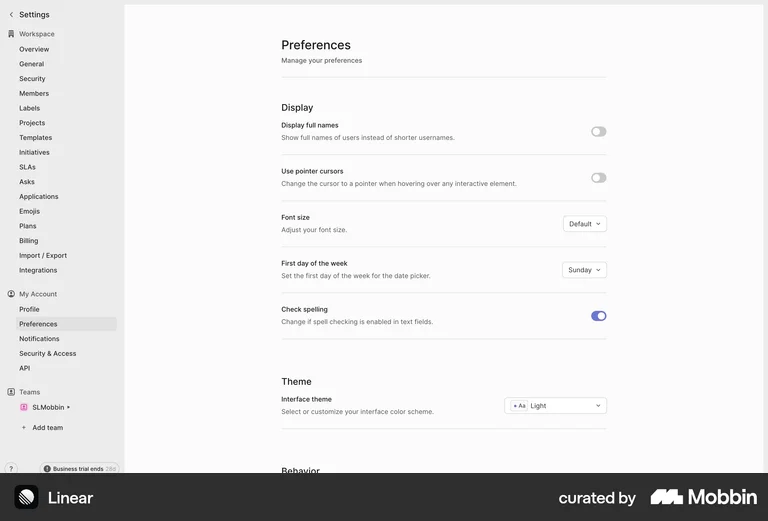
Linear's Preferences page pre-selects sensible defaults (Display full names: off, Font size: Default, First day of week: Sunday, Theme: Light) — every setting is pre-configured so users can start immediately without any setup.